
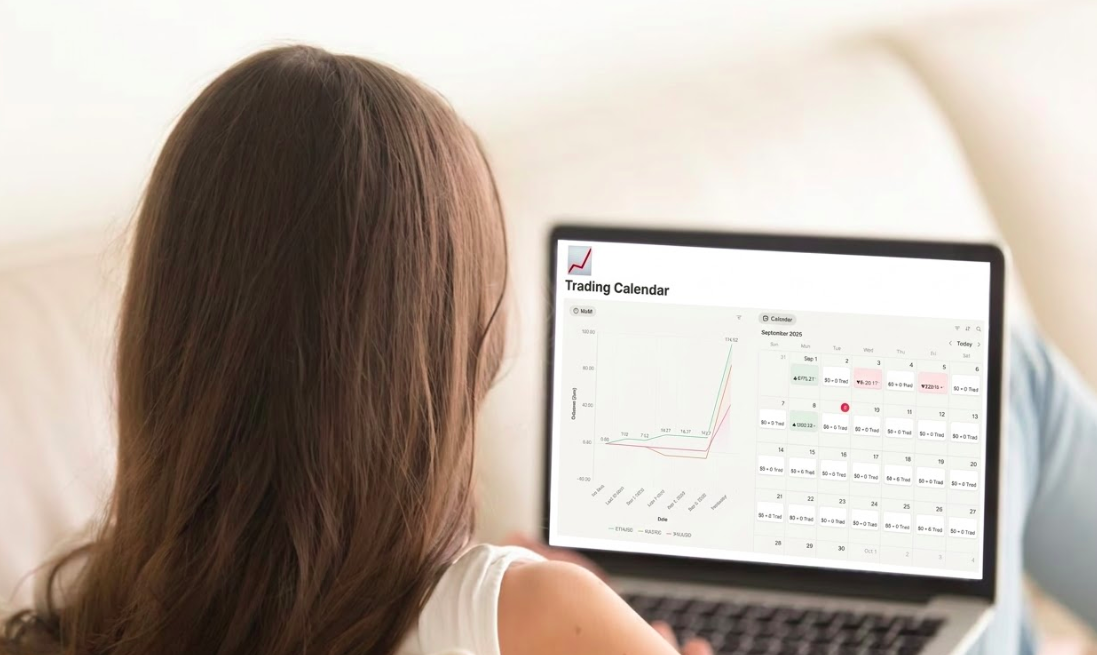
If you sell Notion templates, you probably share your product link in many places:
- Twitter/X
- Product marketplaces
- Gumroad pages
- newsletters
- communities like Reddit or Discord
But here is the problem:
You don’t know which link actually brings buyers.
Most creators rely on basic analytics or marketplace dashboards, but those usually show only total sales or visits, not where your traffic really comes from.
This means you cannot answer simple but important questions:
- Which tweet brought buyers?
- Which community actually converts?
- Which country your customers come from?
In this guide you will learn how to track Notion template traffic step-by-step and understand where your buyers actually come from.
Why Tracking Notion Template Traffic Matters
Selling templates is not only about building a product. It’s about understanding distribution.
Without tracking, you are essentially marketing blindly.
You can’t see which platform works
Maybe you share your template in:
- newsletter
But which one brings real visitors?
Tracking links reveals exactly where traffic originates.
You can’t optimize your marketing
Imagine this scenario:
- Twitter → 500 clicks
- Reddit → 30 clicks
- Newsletter → 70 clicks
At first glance Twitter wins.
But if Reddit produces more buyers, then your real growth channel is Reddit.
Without tracking, you would never know.
You miss valuable audience insights
Tracking links can also show:
- visitor country
- device type
- operating system
- traffic trends over time
These insights help you understand your audience and improve how you promote your templates.
The Problem With Most Analytics Tools
Most creators try one of these methods:
Marketplace analytics
Platforms like Gumroad or Lemon Squeezy show:
- total sales
- page views
But they do not track where the traffic came from.
You might see 100 visits, but not whether they came from:
- a blog
- Product Hunt
- someone sharing your template
Google Analytics
- Some creators install analytics on their landing page.
The issue is:- setup is complicated
- you need access to the website
- it doesn’t work well for links shared across platforms
- For many creators this is too technical and slow to set up.
The Simple Way to Track Notion Template Links
The easiest solution is tracking links.
Instead of sharing your template URL directly, you share a trackable link that records every click.
Example:
Instead of this:
https://gumroad.com/my-notion-template
You share:
linkorio.com/my-template
Every click is tracked automatically.
Tools like Linkorio show you:
- where visitors come from
- what country they are from
- what device they use
- when they clicked your link
This takes less than one minute to set up.
How to Track Your Notion Template in 3 Steps
Step 1: Create a tracking link
Create a new link inside Linkorio and paste your template URL.
Example destination:
https://gumroad.com/my-notion-template
The system will generate a trackable short link.
Step 2: Share the tracking link everywhere
Replace your original template link with the new one.
Use it in:
- Twitter posts
- Reddit comments
- newsletters
- your website
- product directories
Now every click will be tracked automatically.
Step 3: Analyze where your buyers come from
Inside the dashboard you will see:
- click counts
- visitor location
- devices
- operating systems
- time of clicks
After a few days you will quickly discover patterns like:
- Twitter brings the most traffic
- Reddit converts better
- Most buyers come from the US
This data helps you double down on what works.
Best Places to Share Your Tracked Notion Template Links
Once you track your links, you can test different channels.
Popular distribution channels include:
Twitter/X
Many creators share templates and productivity tools here.
Tracking helps you see which posts generate traffic.
Communities like productivity or Notion groups can drive high-intent traffic.
Tracking helps measure which posts work.
Notion template marketplaces
Marketplaces bring discovery, but tracking helps you understand external traffic sources.
Newsletters
Many creators underestimate email.
Tracking links show exactly how many subscribers click your template.
Conclusion
If you sell Notion templates, understanding your traffic is essential.
Without tracking you are guessing:
- which platform works
- which audience converts
- where buyers come from
Using trackable links solves this instantly.
You gain insights like:
- traffic sources
- user location
- device data
- click trends
This allows you to optimize your marketing and sell more templates.
Start Tracking Your Notion Template Traffic
If you want to see where your template buyers actually come from, try Linkorio.
Create a tracking link in seconds and start collecting real data about your audience.
The sooner you start tracking, the sooner you can focus on the channels that actually bring customers.