
Most creators and founders think they’re tracking affiliate performance.
They’re not.
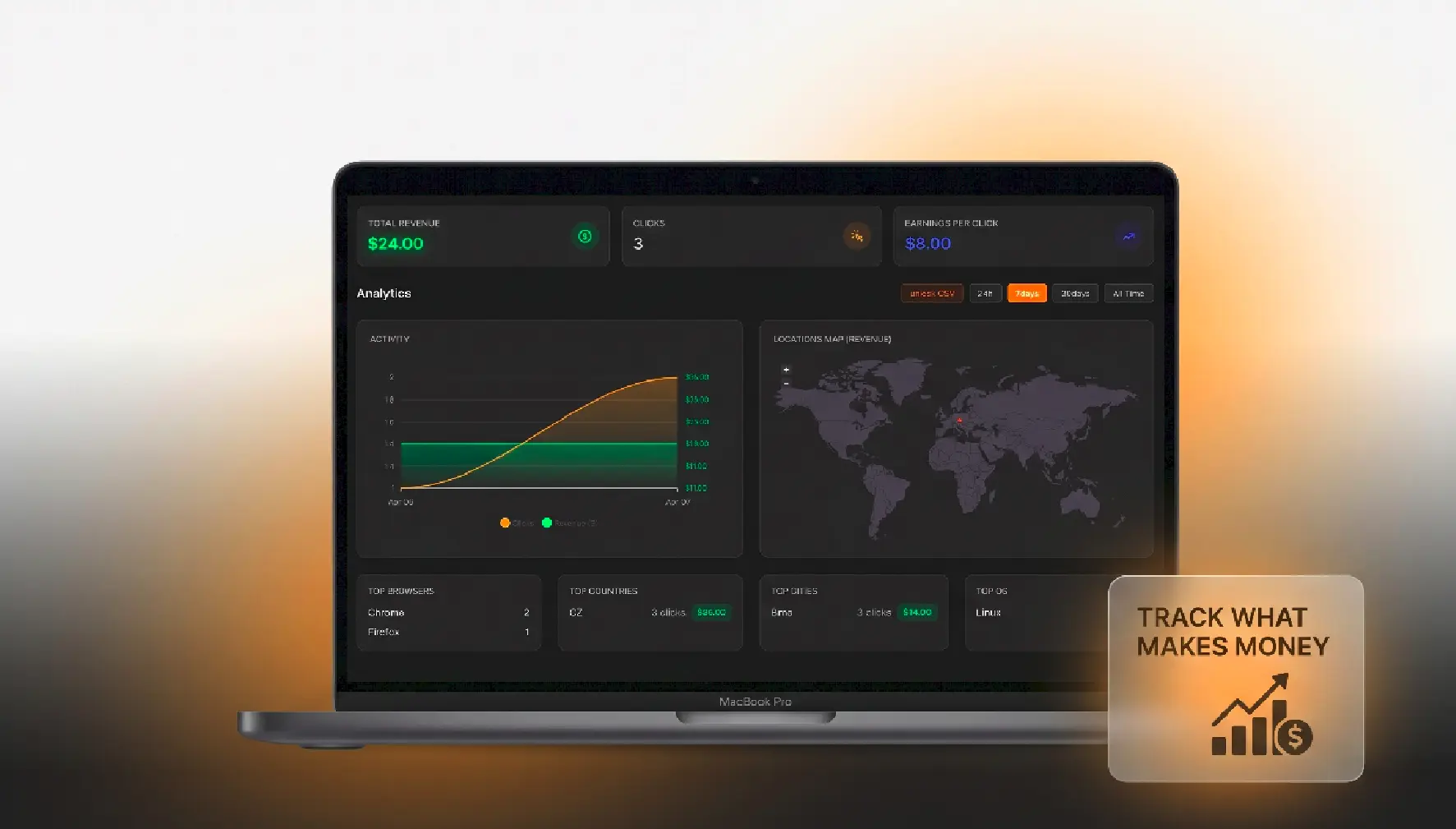
Clicks, impressions, and CTR look nice in dashboards but they don’t tell you what actually matters: revenue💸. If you don’t know which link makes money, you can’t scale.📈
This guide shows you how to properly track affiliate links across platforms and calculate what actually works.
Why Traditional Tracking Fails
Clicks ≠ Revenue
Most tools (Bitly, Linktree, native analytics) show:
- Clicks
- Traffic sources
- Basic engagement
But they stop there.
You end up optimizing for:
- “Which post got more clicks?”
instead of: - “Which post made money?”
That’s a big difference.
The Real Problem
Affiliate revenue usually lives in:
- Different dashboards (Amazon, Stripe, partner platforms)
- Different attribution windows
- Messy or missing UTM data
So your data is fragmented.
You can’t connect:
click → user → purchase → revenue
The Correct Tracking Setup
Step 1: Use Unique Links Per Platform
Never reuse the same affiliate link everywhere.
Instead:
- X (Twitter) → linkorio.com/x-product
- Instagram → linkorio.com/ig-product
- TikTok → linkorio.com/tt-product
This lets you isolate performance by channel.
Step 2: Add UTM Parameters
Even if you use a link shortener, add UTMs:
?utm_source=twitter&utm_medium=social&utm_campaign=product_launch
This helps you:
- Track inside Google Analytics
- Cross-reference affiliate dashboards
Step 3: Route Through a Tracking Layer
Instead of sending users directly to the affiliate link:
Use an intermediate tracking layer (like Linkorio).
Flow:
User → Your tracked link → Affiliate destination
This is where you:
- Log clicks
- Attach metadata (platform, campaign)
- Later connect revenue
Connecting Clicks to Revenue
This is where most people fail.
Option A: Manual Matching (Basic)
You:
- Export affiliate sales
- Compare timestamps with clicks
Problem:
- Time-consuming
- Inaccurate
- Doesn’t scale
Option B: Postback / Conversion Tracking (Advanced)
Some affiliate programs allow:
- Conversion APIs
- Postbacks
You can send data back when a purchase happens:
conversion → your tracking system → matched to click
This gives you:
- Revenue per link
- Revenue per platform
Option C: Use a Revenue Tracking Tool (Best)
Tools like Linkorio are built for this.
Instead of guessing, you see:
- Revenue per link
- Revenue per post
- Revenue per platform
Not just clicks.
The Metric That Actually Matters: RPC
Most people track CTR.
Smart people track RPC (Revenue Per Click).
Formula:
RPC = Total Revenue / Total Clicks
Example:
- Link A → 100 clicks → $50 → RPC = $0.50
- Link B → 50 clicks → $75 → RPC = $1.50
Link B wins—even with fewer clicks.
Why RPC changes everything
It helps you:
- Kill low-performing content
- Double down on profitable posts
- Allocate time where it matters
Real Example (What This Looks Like in Practice)
Let’s say you promote the same product on:
- X thread
- TikTok video
- Instagram story
Data:
Platform Clicks Revenue RPC
X | 300 | $90 | $0.30
TikTok | 120 | $180 | $1.50
Instagram | 200 | $40 | $0.20
Most people would scale X (more clicks).
Wrong move.
TikTok is 5× more profitable per click.
So you:
- Create more TikTok content
- Replicate the format
- Increase output there
That’s how you scale revenue, not vanity metrics.
Tracking affiliate links isn’t about counting clicks.
It’s about understanding:
what content actually generates revenue.
If you:
- Use unique links
- Add UTMs
- Track through a central system
- Measure RPC
You’ll stop guessing—and start scaling what works.